Chapter 1. What Is WAHA?
WAHA stands for WhatsApp HTTP API, a self-hosted tool that lets an application communicate with WhatsApp through ordinary HTTP requests and receive events through webhooks. In simple terms, I see it as a translator standing between two people who speak different languages: my PHP application understands web requests, while WhatsApp understands its own messaging system, and WAHA translates between them. It can manage a connected session, send messages, expose a dashboard, and report events such as message acknowledgments. WAHA is not the official WhatsApp Business API and is not affiliated with WhatsApp, so using it also carries limitations and a possible account-blocking risk. That distinction matters because a convenient technical bridge should never be mistaken for an officially guaranteed delivery channel.
Chapter 2. Why I Started Exploring WAHA
I began exploring WAHA while building a reminder application for a business that needed to follow up with many customers after a filter purchase. The old process was like writing and delivering hundreds of nearly identical letters by hand: the message was simple, but repeating the task for every customer consumed time and made consistency difficult. The application already knew who should be reminded and when, but it still needed a controlled way to hand the final message to WhatsApp. WAHA looked useful because it could run on a server I managed and expose a familiar HTTP interface to the PHP application. My research question was therefore not only whether WAHA could send a message, but whether I could place it inside a workflow that remained observable, cautious, and recoverable.
Chapter 3. Running WAHA inside Docker
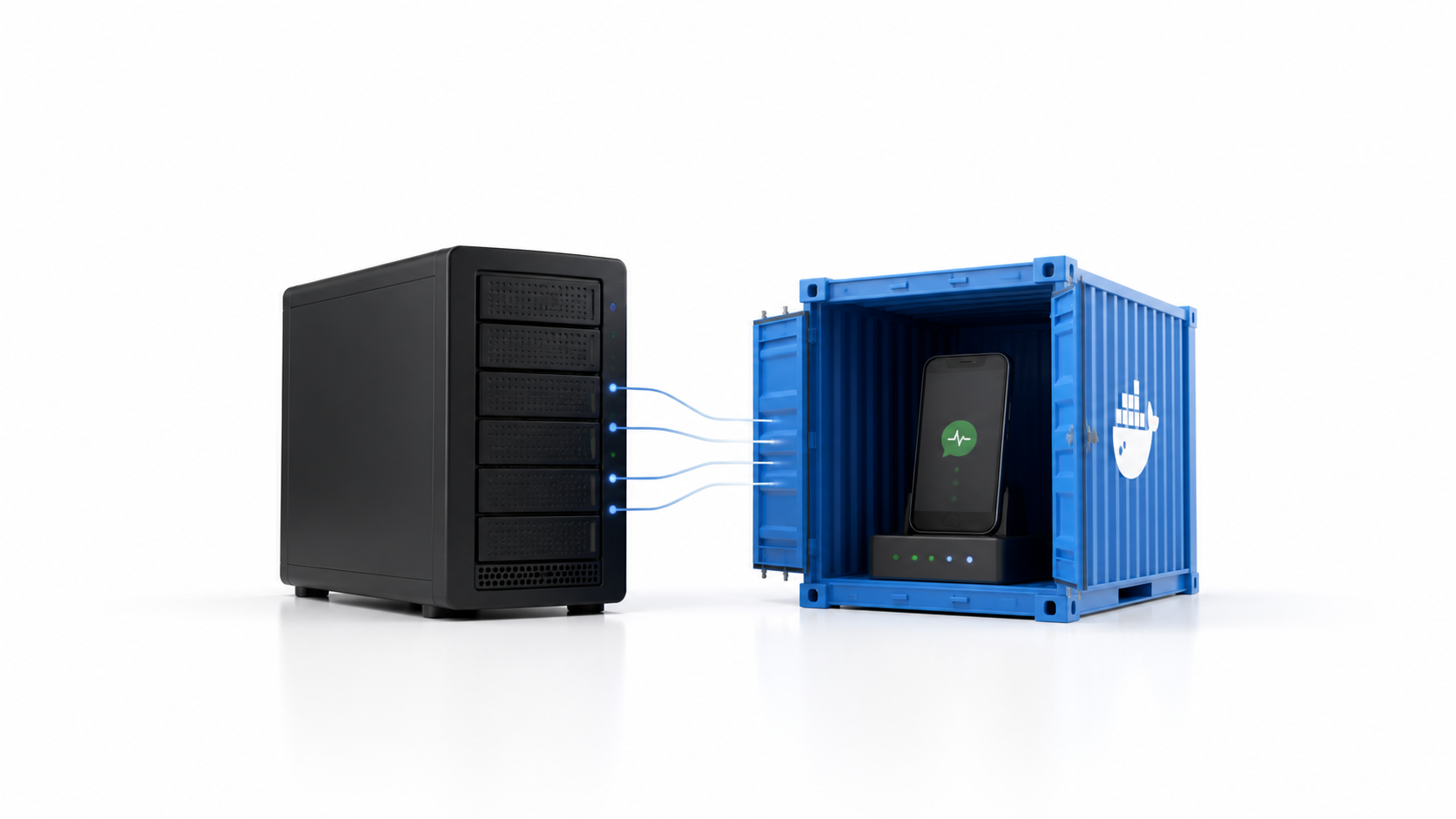
I ran WAHA inside a dedicated Docker container on a VPS instead of mixing it directly with the PHP application. If the VPS is an office building, the container is a separate room prepared specifically for WAHA, with its own runtime and session files but controlled connections to the rest of the system. I paired the WhatsApp account through a QR code and waited until the session reached a working state before testing an API request. This separation made it easier to inspect, restart, and update WAHA without treating it as part of the reminder administration code. Docker did not make WAHA reliable by itself, but it gave the service a predictable place to run and a clearer operational boundary.
Chapter 4. Sending a Message Was the Easy Part
My first successful sendText request proved that the connection worked, but it did not prove that the surrounding system was ready for real reminder traffic. Pressing a doorbell is easy; knowing that the correct person opened the door, received the package, and did not receive the same package twice is the harder problem. I still had to handle phone-number normalization, session availability, recipient existence, timeouts, provider responses, and the possibility that a request succeeded while my application failed to receive a clear answer. A simple retry could therefore create a duplicate message instead of fixing a failure. This changed the focus of my research from "How do I call the API?" to "How do I know what safely happened after I called it?"
Chapter 5. Building a Gateway around WAHA
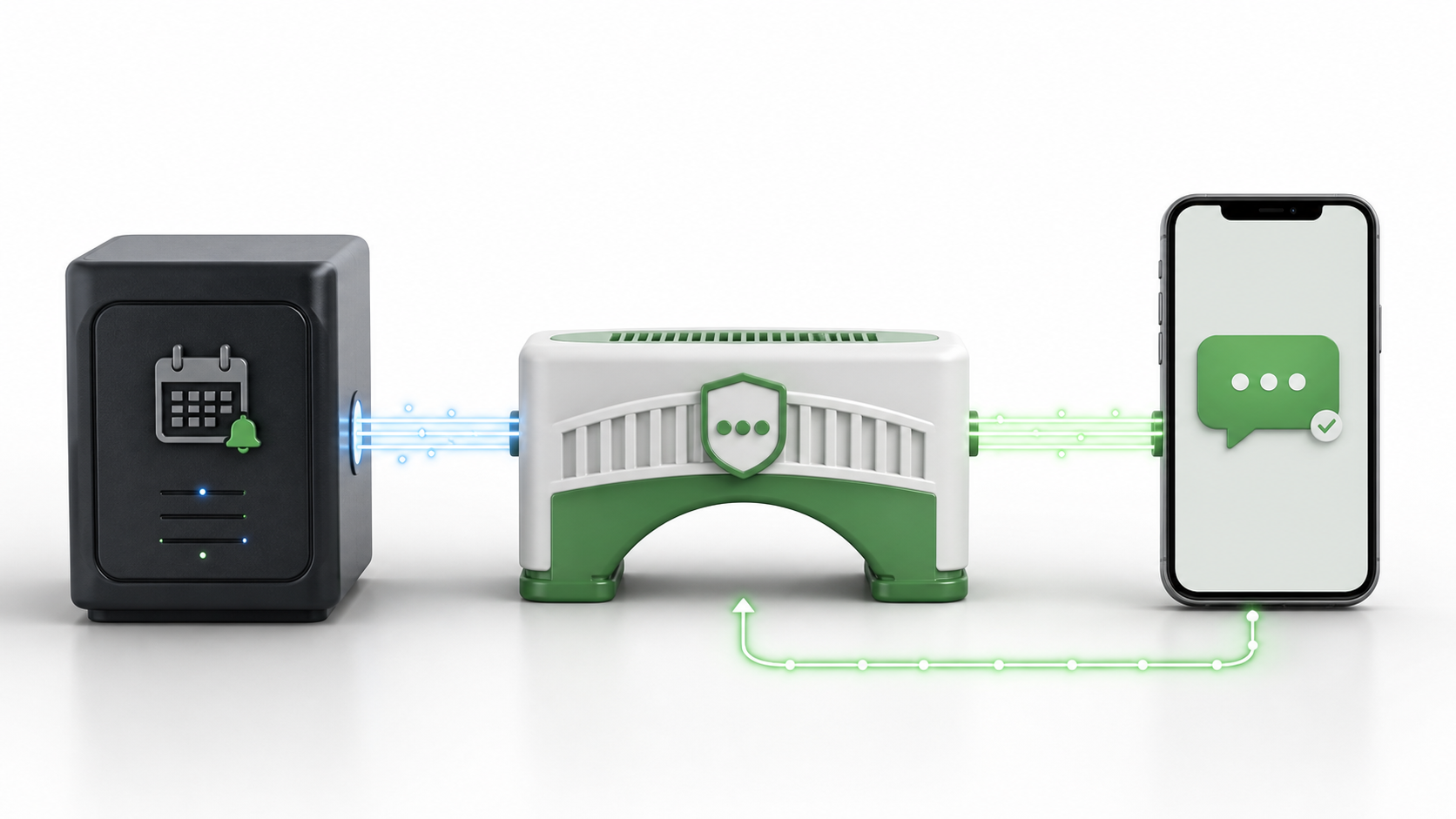
Instead of allowing the browser or admin page to contact WAHA directly, I placed a separate server-side gateway in front of it. The gateway works like a security desk in an office: it checks the request, confirms that the caller is authorized, records the visit, and only then allows the request to reach the service behind it. The reminder application sends a token-protected request containing the normalized recipient, rendered message, consent evidence, reminder reference, and an idempotency key. The gateway reserves an outbound operation before contacting WAHA and stores only the operational data needed for review, including masked or hashed sensitive values. This boundary keeps provider communication and credentials away from the browser while giving the system one controlled entrance for every outgoing message.
Chapter 6. Preventing Duplicate Messages
Every outbound operation receives an idempotency key before the network call, which I think of as a unique claim ticket attached to one reminder for one period. If the same request arrives again, the gateway can recognize the ticket instead of treating it as a completely new instruction. Before sending, the system checks that the WAHA session is working, verifies that the recipient exists, and uses the exact direct chat identifier returned by WAHA. It then performs exactly one provider submission and requires a provider message ID as evidence that WAHA accepted the request. I deliberately avoided an automatic fallback send because two different routes attempting the same delivery could turn a temporary uncertainty into two customer messages.
Chapter 7. Tracking What Happened after Send
An HTTP success response only tells me that one system accepted a request; it does not automatically mean the customer received or read the message. The closest everyday analogy is package tracking: "the courier received the parcel," "the parcel reached the destination," and "the recipient opened it" are different events. WAHA sends message acknowledgment events to an authenticated webhook, and the gateway maps them into states such as submitted, server accepted, device delivered, read, played, or failed. If no clear acknowledgment arrives within the waiting period, the operation becomes unknown rather than being declared successful or failed without evidence. An unknown result is intentionally not resent automatically because the original message may already be on its way, so uncertain cases stop for review instead of risking a duplicate.
Chapter 8. What I Learned from Implementing WAHA
WAHA made the basic connection to WhatsApp approachable, but it was only one component of the reminder system. It was like installing a capable engine in a car: the engine provides movement, while brakes, steering, mirrors, warning lights, and driving rules still determine whether the journey is controlled. Consent validation, scheduling, authentication, idempotency, delivery states, bounded retries, privacy protection, monitoring, and manual recovery all had to be designed around it. I also learned to treat unofficial messaging infrastructure honestly, because self-hosting offers control but does not remove platform rules or account risk. The final lesson was simple: integrating an API is about making two systems talk, while building a dependable product is about deciding what should happen when that conversation is delayed, repeated, incomplete, or uncertain.